


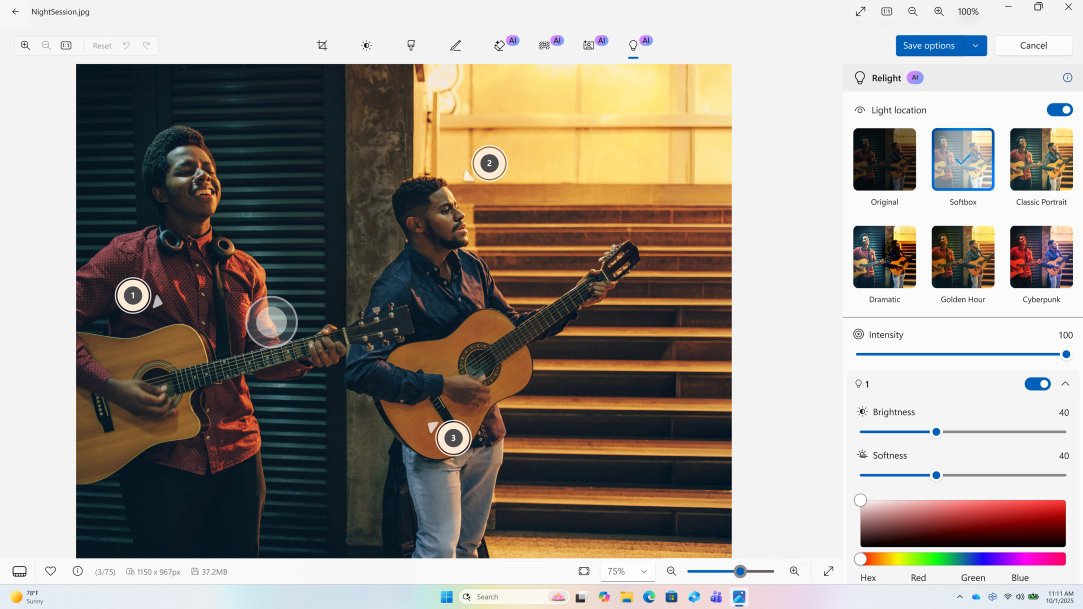
If you’re a Windows user, you have a set of built‑in photo and video editing apps that are ready to use when you are. Microsoft Photos, Clipchamp, Paint, and Snipping Tool cover the most common editing tasks, such as cleaning up photos, cutting videos, capturing screens, and sharing results. Each app is designed for specific tasks. Together, these tools form a practical editing stack that fits into workflows. Import a set of images, review quickly, apply consistent adjustments, and export clean files. Edits are non‑destructive, so you can revisit decisions without starting over.
Learning keyboard and mouse shortcuts can make the Photos app feel significantly faster, especially when working through larger sets.
When to use something else
The Photos app is designed for fast, practical edits. For complex compositing or advanced color grading, specialized tools may be a better fit. For everyday photo work, use the Photos app to keep your workflow moving.
