


We may receive a commission on purchases made from links.
Anyone can start a YouTube channel in a few minutes, tops. That part’s easy. It’s making compelling videos that will get people to subscribe and keep coming back that’ll test you. You have to stand out somehow in an ocean of <a s capricious algorithm and rising above AI slop channels that can pump out content much faster than you can. It'll be a long uphill battle to a successful, monetized channel regardless, but knowing a few things about how to shoot and edit your videos can get the ball rolling for now.
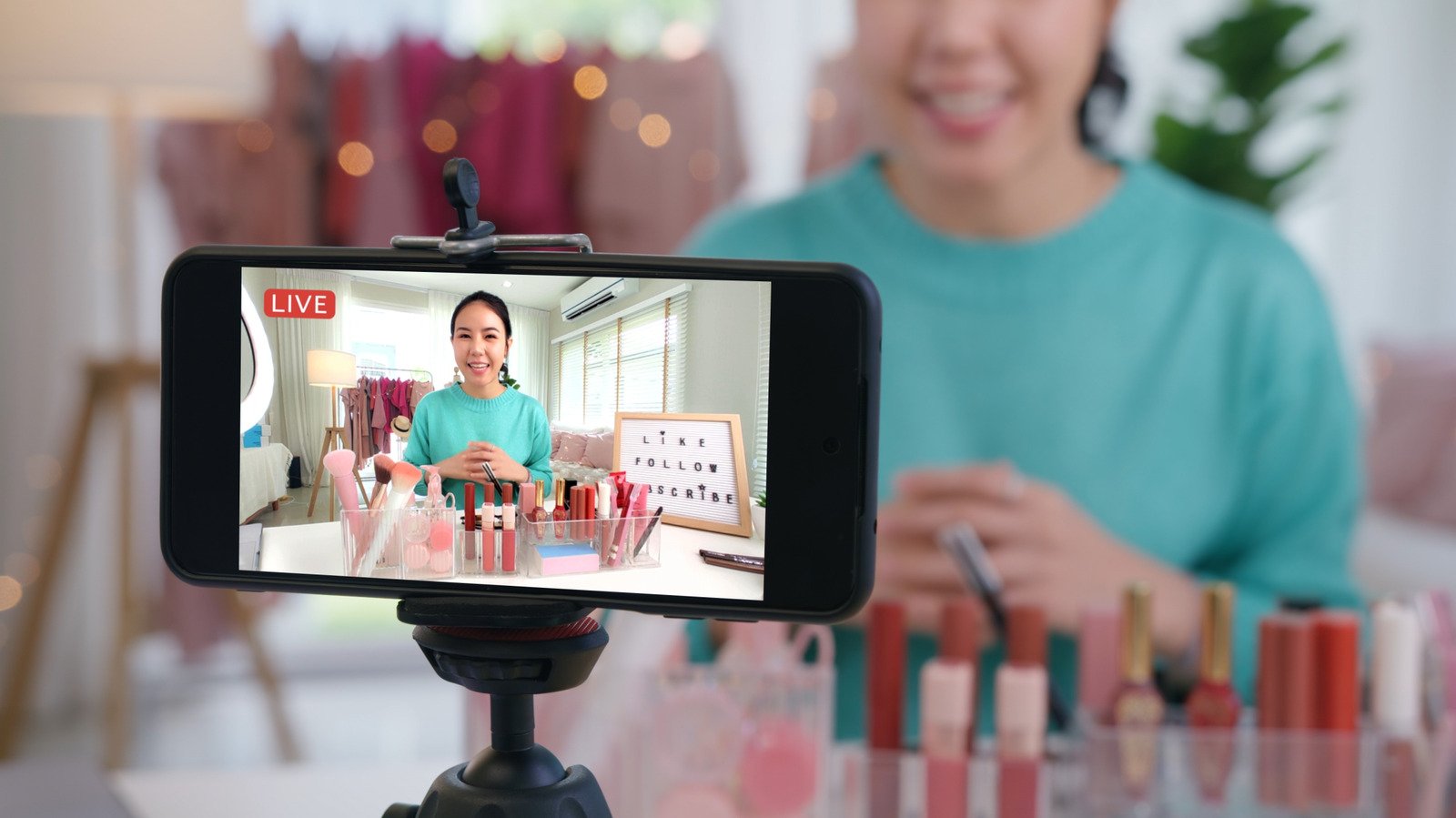
This guide is intended for someone just starting out, with little to no experience filming and editing content. While you’ll definitely need some equipment eventually, you’d be surprised how much content you can make with gear you already have without buying a DSLR camera; we want to keep costs down as much as is reasonably possible until your YouTube channel is generating enough income to justify upgrading your gear and <a ve got the latest iPhone 18 Pro or an older model, its back camera array can very likely shoot 4K video. That's the case, for example, with an iPhone 11 Pro released in 2019. We recommend shooting in 4K at 30 fps because it preserves more detail and allows you to stabilize footage or do fancy zooms and pans without losing too much quality — all while keeping file sizes reasonable. Further, some YouTube viewers watch on their 4K TV's YouTube app, so a grainy 1080p video might be a turnoff. Avoid your phone's typically lower-quality selfie cam.
We’d also recommend shooting video with an external SSD connected to your phone so you don’t eat up your limited internal storage. In the case of an iPhone, all you have to do is format the drive with a single partition (exFAT or APFS formats are fine) and plug it in. Despite the memory shortage, there are still relatively affordable external SSDs.
Good lighting could be the difference between an amazing video and a meh one. The gold artificial lighting, <a d recommend — budget permitting — one or two softbox lights, plus an accent light for the background. Try to set up a nice background too, if you can. A simple, stylish bookshelf and a side table are all you need. If you can afford it, get a phone stand to stabilize the footage.
Record good audio
Avoid recording audio directly from your phone’s built-in microphone while it’s filming you from a distance, for the simple reason that it sounds bad and will instantly make your channel appear amateurish. You’ve probably clicked away from a video in the past simply because the audio sounded echoey, noisy, and distant. Instead, we recommend going one of two ways. One, you could purchase a wireless microphone and record audio in tandem with the video, or two, record audio separately from shooting.
